VRChat Trainer — Download Free 2026
- Game
- VRChat
- Options
- 54
- Added
- Oct 10, 2026
This trainer is for Windows PC only. It will not run on a phone.
Download trainer Open in TelegramOr copy this page link and open it on your computer.
Screenshots
Description
VRChat is a social VR platform: worlds and avatars. The pack is for a solo overlay in your own world, not other people’s instances.
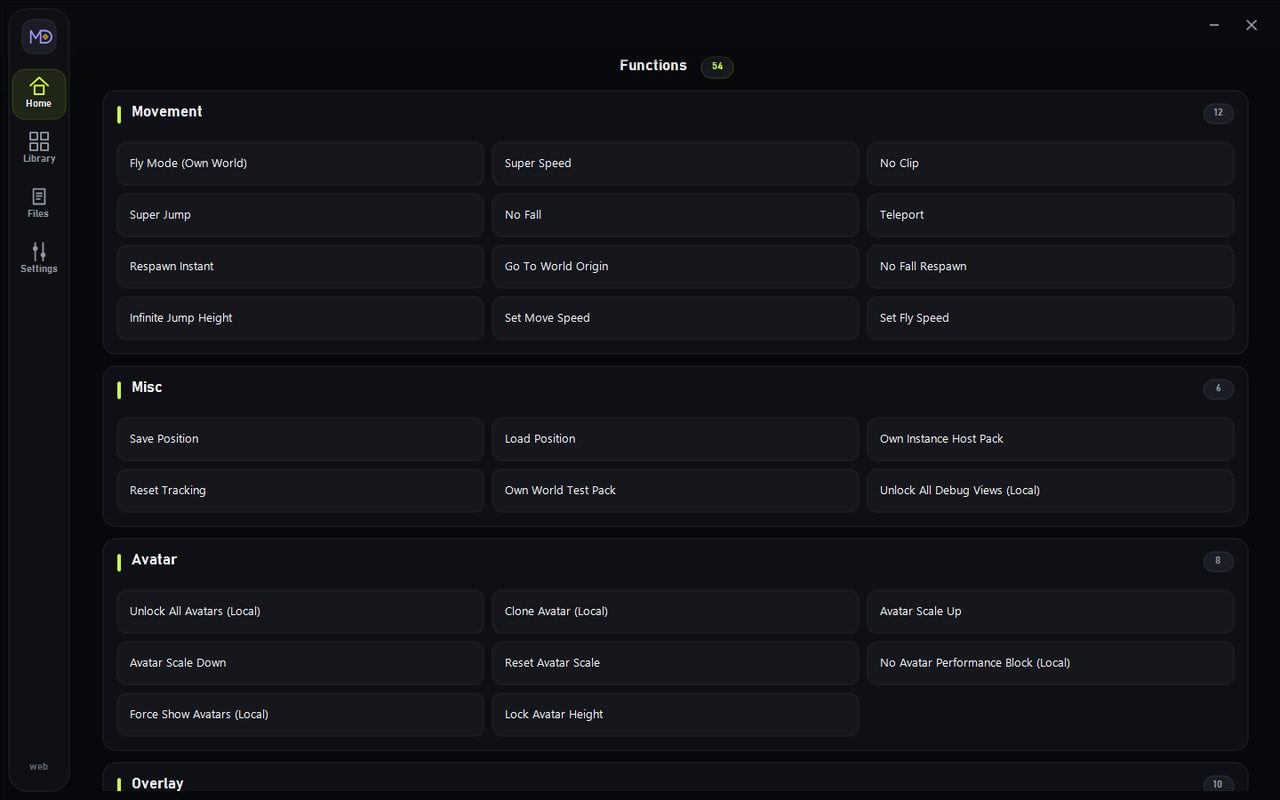
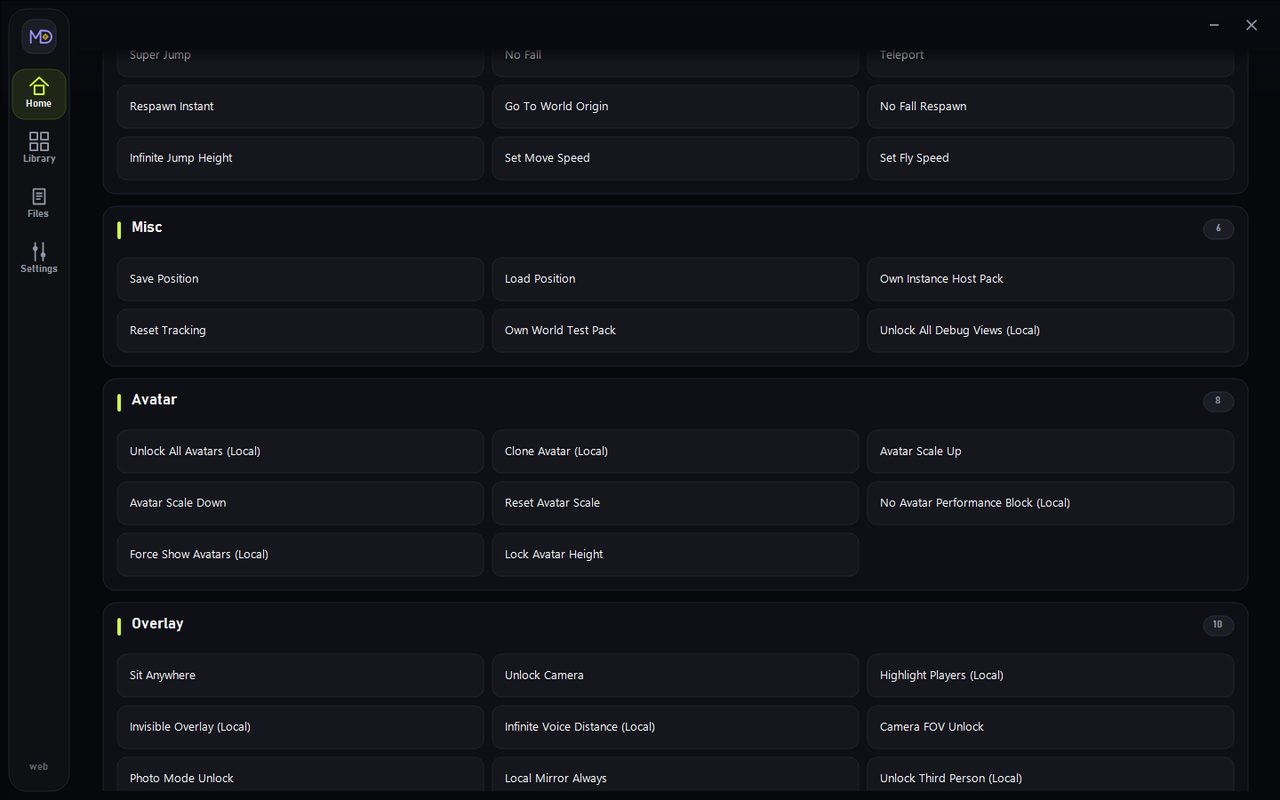
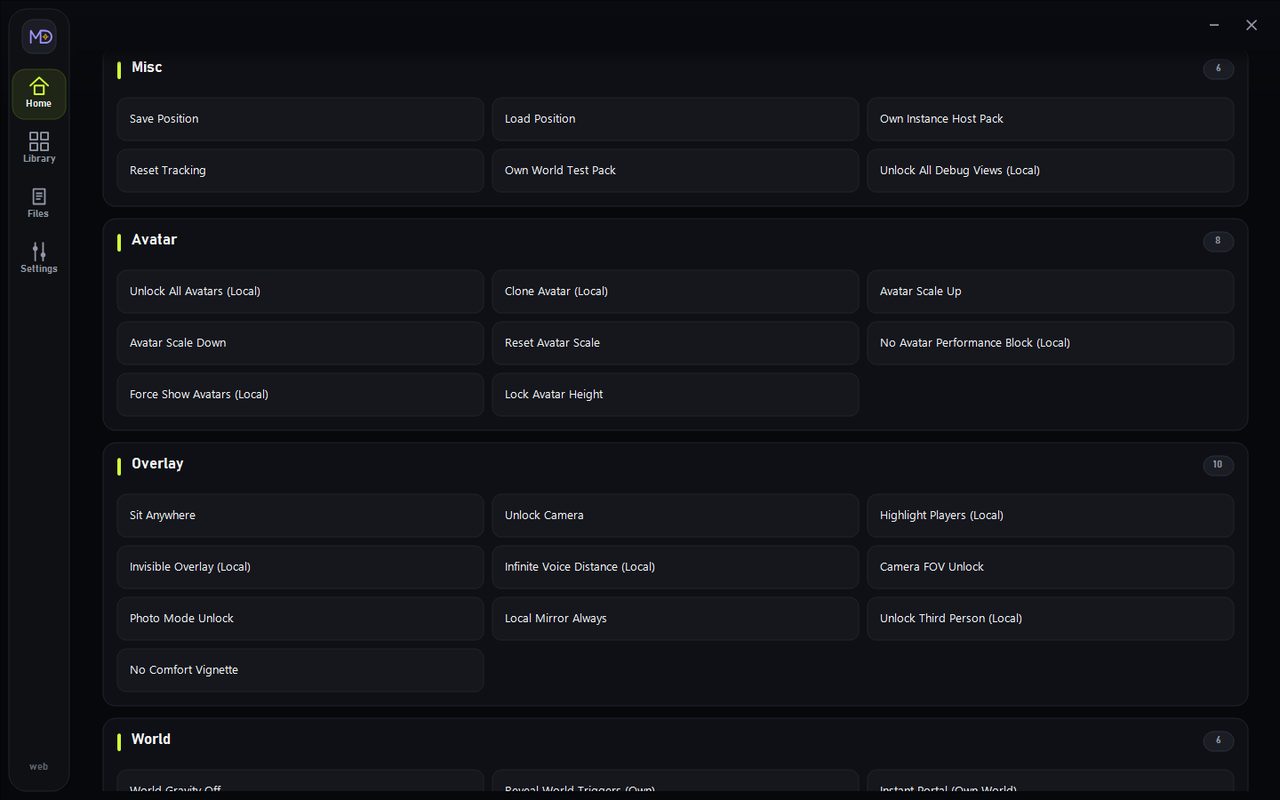
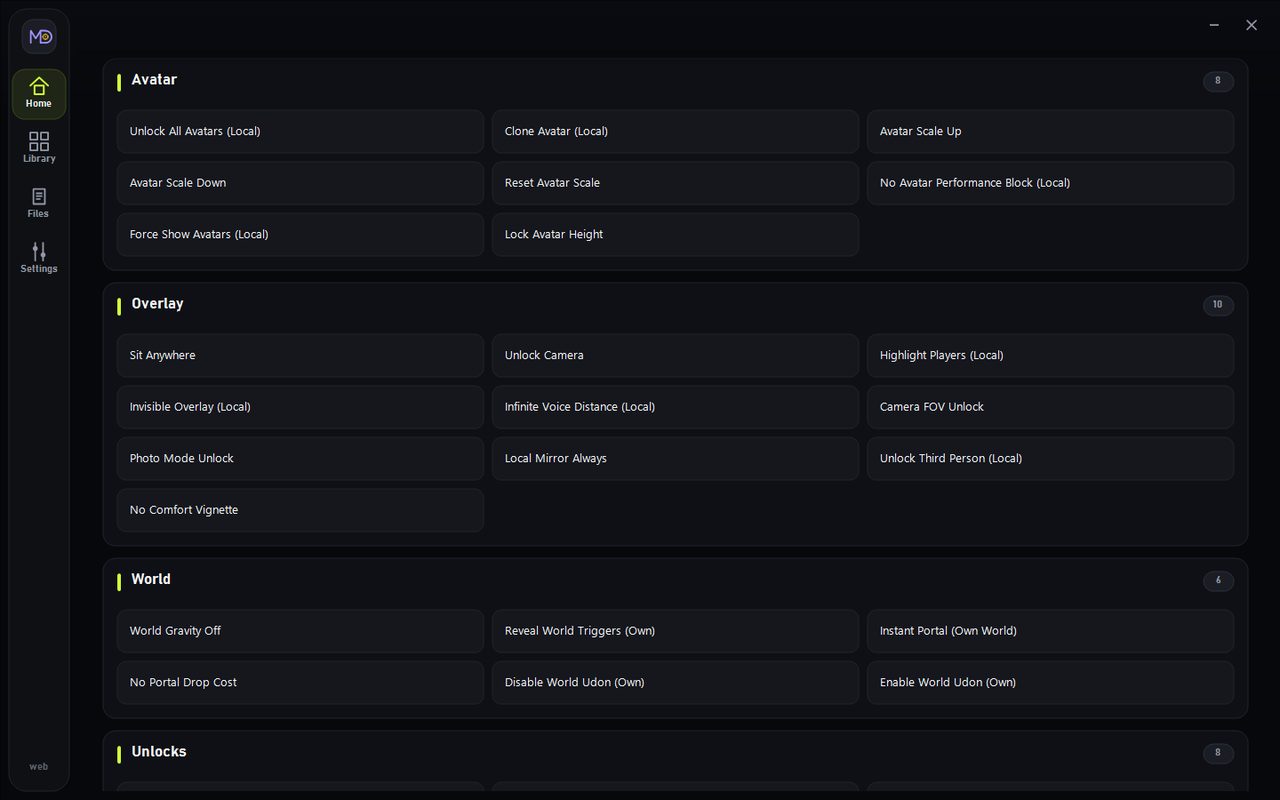
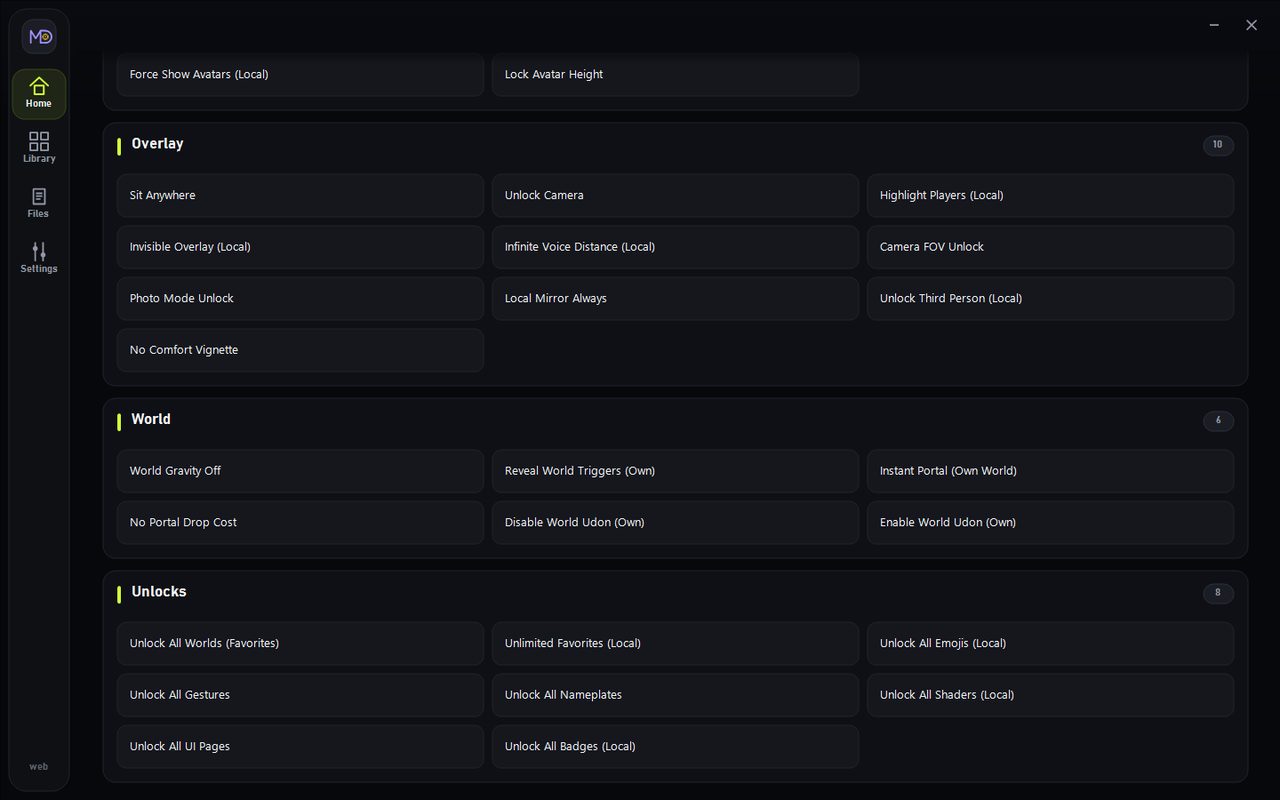
The official TrainerHub +54 trainer for VRChat opens in TrainerHub, with options grouped by tab.
Video
Functions
Click a hotkey to copy it.
Movement
- Fly Mode (Own World)(
Num 1) - Super Speed(
Num 2) - No Clip(
Num 3) - Super Jump(
Num 4) - No Fall(
Num 5) - Teleport(
Num 6) - Respawn Instant(
Alt+Num 9) - Go To World Origin(
Alt+Num 0) - No Fall Respawn(
Shift+F3) - Infinite Jump Height(
Shift+F4) - Set Move Speed(
Shift+F5) - Set Fly Speed(
Shift+F6)
Misc
- Save Position(
Num 7) - Load Position(
Num 8) - Own Instance Host Pack(
Alt+Num 2) - Reset Tracking(
Shift+F9) - Own World Test Pack(
Shift+F10) - Unlock All Debug Views (Local)(
Shift+F12)
Avatar
- Unlock All Avatars (Local)(
Num 9) - Clone Avatar (Local)(
Num 0) - Avatar Scale Up(
Num .) - Avatar Scale Down(
Num *) - Reset Avatar Scale(
Num +) - No Avatar Performance Block (Local)(
Alt+Num 6) - Force Show Avatars (Local)(
Alt+Num 7) - Lock Avatar Height(
Shift+F8)
Overlay
- Sit Anywhere(
Num -) - Unlock Camera(
Ctrl+Num 1) - Highlight Players (Local)(
Ctrl+Num 7) - Invisible Overlay (Local)(
Ctrl+Num 8) - Infinite Voice Distance (Local)(
Ctrl+Num -) - Camera FOV Unlock(
Alt+Num 4) - Photo Mode Unlock(
Alt+Num 5) - Local Mirror Always(
Alt+Num *) - Unlock Third Person (Local)(
Shift+F7) - No Comfort Vignette(
Shift+F11)
World
- World Gravity Off(
Ctrl+Num 2) - Reveal World Triggers (Own)(
Ctrl+Num 3) - Instant Portal (Own World)(
Ctrl+Num 4) - No Portal Drop Cost(
Alt+Num 1) - Disable World Udon (Own)(
Alt+Num +) - Enable World Udon (Own)(
Alt+Num -)
Unlocks
- Unlock All Worlds (Favorites)(
Ctrl+Num 5) - Unlimited Favorites (Local)(
Ctrl+Num 6) - Unlock All Emojis (Local)(
Ctrl+Num *) - Unlock All Gestures(
Ctrl+Num +) - Unlock All Nameplates(
Alt+Num 3) - Unlock All Shaders (Local)(
Alt+Num 8) - Unlock All UI Pages(
Alt+Num .) - Unlock All Badges (Local)(
Shift+F1)
Time
- Freeze Time (Local)(
Ctrl+Num 9) - Set Game Speed(
Ctrl+Num 0) - Slow Motion(
Ctrl+Num .)
Progress
- Max Trust (Local Display)(
Shift+F2)
Supported version
Steam VRChat. Solo, offline, or custom — not competitive online.
Frequently asked questions
Does VRChat include Fly?
Yes. “Fly” is in this TrainerHub build (54 options total). The full list is in the functions block above, with hotkeys.
Does VRChat include Teleport?
Yes. “Teleport” is in this TrainerHub build (54 options total). The full list is in the functions block above, with hotkeys.
Does VRChat include avatars?
Yes. “avatars” is in this TrainerHub build (54 options total). The full list is in the functions block above, with hotkeys.
Does the trainer work on the current VRChat version?
Yes. The trainer works on the current VRChat patch. The build tracks the live Steam version.
How do I install and run it?
Download the archive from this page, unpack it, run TrainerHub.exe as administrator, open the VRChat card and toggle functions with the hotkeys in the list.
Is the trainer free?
Yes. Download it free, no account needed. It is meant for single-player; using it in online modes can break the game’s rules.
How to install
Install from TrainerHub and press Play. The VRChat card is in the archive.
Comments · 5


Does it work?
Trainer updates
We watch Steam patches: when the game updates, we check the trainer and ship a new build.